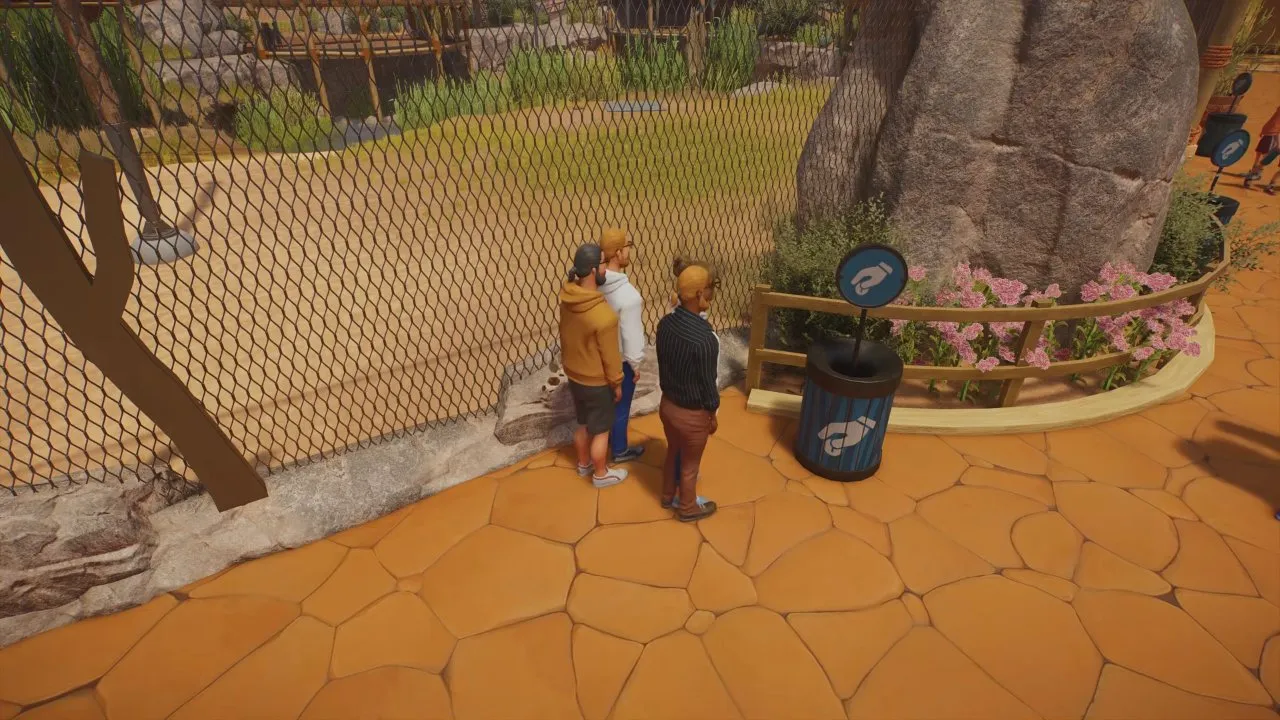
Start by choosing Career for conservation objectives or Sandbox to adjust economy and animal welfare settings. This Planet Zoo 2 guide takes you from that first choice to a working zoo and prepared wildlife release groups. Before adopting your first zoo animal, check its feeding costs and habitat requirements in the Zoopedia. Connect staff access and place donation bins beside guest viewing points, then get care and cash flow working before expanding.
Guide: Start a Working Zoo and Prepare Wildlife Releases
Use Planet Zoo 2 tips to plan your first habitat around an available species with low food costs and high appeal. Pause during lengthy construction, inspect the entrance's power coverage and give Keepers a route through the habitat gate. Once animals arrive, sort them by Welfare in Management and fix their lowest-rated needs first.
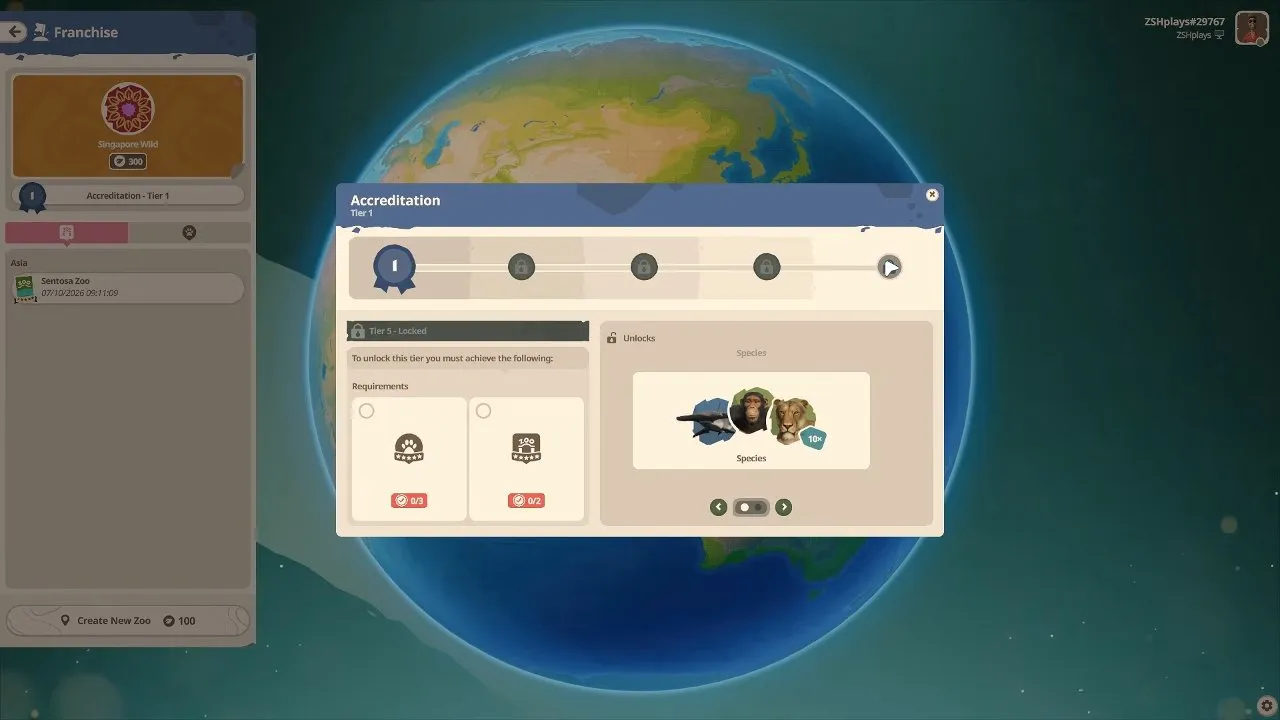
Compare Career, Franchise and Sandbox in Planet Zoo 2 Franchise mode. Career starts at a Wildlife Reserve and awards medals for scenario objectives. Franchise requires online play and links zoos and reserves, with Conservation Credits shared between zoos while Cash stays local. Sandbox lets you adjust the simulation settings before building.
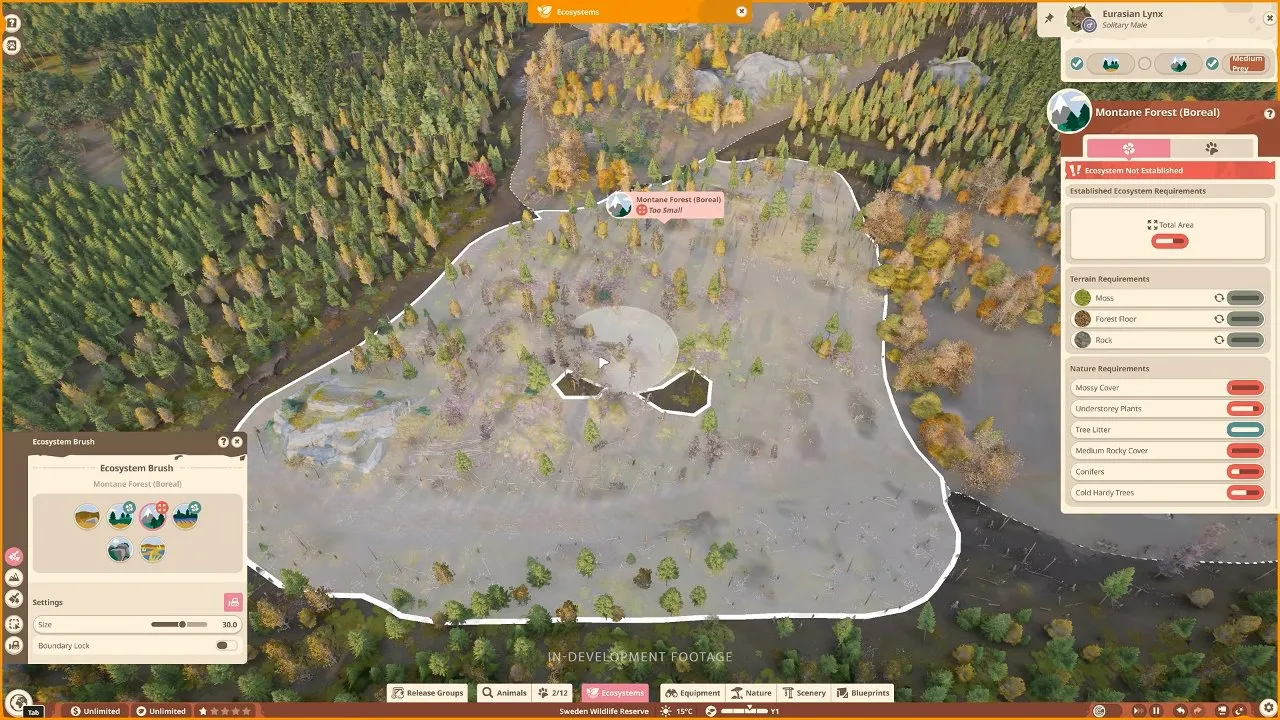
Move into Planet Zoo 2 wildlife reserve planning when you are ready to restore ecosystems and release animals. Meet the ecosystem's Area, Terrain and Nature requirements, then check the release group's destination and conditions. Finalising a release group cannot be undone and prevents its animals from returning to your zoo. Predators can hunt across ecosystem boundaries, and reserves keep running while you are elsewhere.
Use Planet Zoo 2 trophies to choose a goal by its exact unlock condition. The checklist covers 39 achievements across animals, construction, conservation, research and Career. Check qualifiers such as different species, a single aquarium and non-Sandbox before committing resources.
Animals: Choose From 130 Base Game and 6 Deluxe Species
Check Planet Zoo 2 animals before designing an enclosure around a species. The full roster has 136 entries: 130 in the base game and six Deluxe additions. It includes flying birds and fully aquatic animals alongside land animals, with each roster entry marked by content pack. Choose your species first, then check its habitat requirements and availability in your chosen mode.
Building: Match Terrain, Water and Enclosures to Your Animals
Plan the ground and planting with Planet Zoo 2 biomes. Grass, Sand, Soil and Rock are the four core terrain types in every environment. Pin your intended species to view their collective requirements before introducing them, and use Nature Brush for foliage mixtures containing up to 20 nature objects.
Follow Planet Zoo 2 aquarium when your plan needs a water-filled enclosure. A closed Aquarium Barrier and an Aquarium Staff Gate trigger filling; a guest gate provides access to underwater viewing tunnels. Connect filtration and match Freshwater, Brackish or Saltwater to the animals' requirements. Check filtration capacity and salinity separately.
Build smaller enclosures with Planet Zoo 2 exhibits. Choose a complete blueprint or custom construction, connect a path, supply power and provide a Keeper with access to a Keeper Hut. Walk-through exhibits, including butterfly houses, connect directly to the path network. Set species-appropriate environmental conditions through the Exhibit Info Panel.
Choose Planet Zoo 2 building themes once the enclosure and care setup are planned. Planet provides zoo essentials and returning favourites; North, East, South and West offer different scenery styles. Scenery also works in Wildlife Reserves, so your design choices can continue from zoo buildings to reserve observation towers.